Home | Services | Prices | Covered Area | Contact Us

A device driver is a program that controls a particular type of device that is attached to your computer. There are device drivers for printers, displays, DVD-ROM units,
hard drives, wireless cards and so on. When you buy an operating system, many device drivers are built into the product.
However, if you later buy a new type of device that the operating system didn't anticipate, you'll have to install the new device driver.
A device driver essentially converts the more general input/output instructions of the operating system to messages that the device type can understand.
A corrupt driver file can result having your software and hardware not functioning properly, and in sync, with each others.
Keeping your hardware up to date on your computer is a necessity in proper maintenance.
The best way to install or update a device driver is to download it from the manufacturer's website, just make sure that
you download the proper driver for your operating system to avoid software conflicts.
Not updating your drivers will result in having your computer not working at its optimal performance.
Most problems are with routers, modems, printers and with syncing devices like smart phones.
It is also important to note that ‘auto’ updates that are recommended by your computer’s operating system often do not reflect the driver settings.
Driver software is an invaluable tool for any person who uses their computer on a daily basis, technology changes quickly and your computer needs to stay updated
with both software updates as well as hardware driver updates.
|
Our policy : No fix, No Solutions, No charge. No hourly fees. We charge a single flat rate for any computer repair. 100% satisfaction guaranteed. |
Common errors with hardware driver issues include:
* Crashing and or freezing of the entire computer.
* You won’t be able to print, or to connect to any wireless (or wired)
router.
* You won’t be able to “see” any PnP devices, like external
drives, web cams, keyboards and pointing devices.
* Problems with network adapters connecting you to the Internet, like the modem
or LAN Card
So such issues are just some of the various problems you can get because of corrupt, outdated, or missing driver files.
These can be troubleshooted through the control panel of the
operating system on your computer, or by using a driver software that is installed
on your machine.
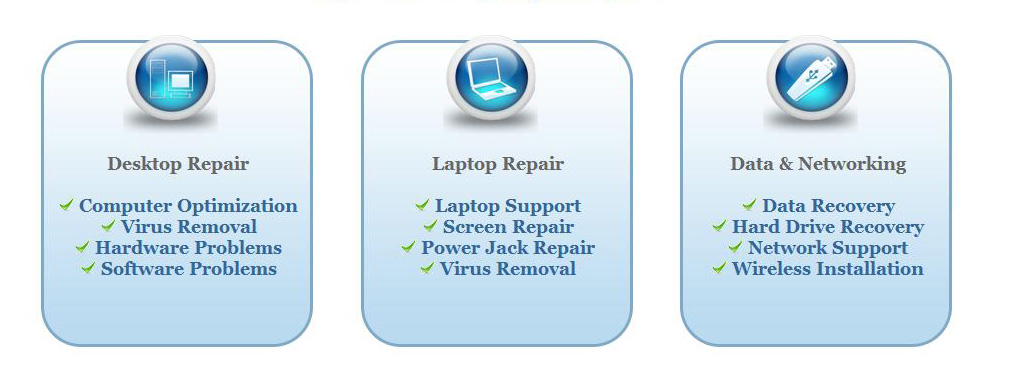
We offer onsite computer repair service in Los Angeles area 7 days a week, Call us anytime !!!!
Computer Repair Services Los Angeles: Los
Angeles Computer Repair Service -- Los Angeles
Laptop Repair service -- Los Angeles Computer
Virus Removal -- Laptop LCD Screen Replacement
Laptop Keyboard Replacement -- Los
Angeles Data Recovery--Los Angeles PC Complete
Tune Up -- Laptop DC IN Jack Repair
Most popular Articles : How to avoid Viruses -- What is Spyware ? -- How to properly uninstall a program in your computer ? -- Should I buy a laptop or desktop computer ?
How drivers work on my computer ? -- How to check my computer hard drive for errors -- Erase your hard drive before disposing your old computer
What is a computer's RAM ?-- How to change your screen resolution -- When Should I turn off my computer ? -- My Computer is not booting up. What can I do ?
How to burn a CD/DVD in WIN 7 ? -- Run vs Save when downloading a program -- How to delete history and temporary internet files -- Be very careful with email attachments
The Compucare Computer Repair Services Los Angeles - Resources
The Compucare support@thecompucare.com 323-309-2784 |
Computer repair Los Angeles, Computer repair service Los Angeles, Computer repair technician Los angeles, onsite computer repair Los angeles, computer repair services los angeles, Computer repair shop Los Angeles, PC Repair Los Angeles, Los Angeles Laptop Repair, Los Angeles Laptop Service, la computer repair, mobile computer repair, computer repairs los angeles, it support los angeles |
Computer repair Los Angeles, Computer repair service Los Angeles, Computer repair technician Los angeles, onsite computer repair Los angeles, computer repair services los angeles, Computer repair shop
Los Angeles, PC Repair Los Angeles, Los Angeles Laptop Repair, Los Angeles Laptop Service, la computer repair, mobile computer repair, computer repairs los angeles, it support los angeles
ZipCodes :90001,90002,90003,90004,90005,90006,90007,90008,90009,90010,90011,90012,90013,90014,90015,90016,90017,90018,90019,90020,90021,90022,90023,90024,90025,90026,90027,90028,90029,90030,90031,90032,90033,90034,90035,90036,90037,90038,90039,90040,
90041,90042,90043,90044,90045,90046,90047,90048,90049,90050,90051,90052,90053,90054,90055,90056,90057,90058,90059,90060,90071,90072,90073,90074,90075,90076,90077,90078,90079,90080,90081,90082,90083,90084,90086,90087,90088,90089,
90091,90093,90094,90095,90096,90099,90101,90103,90189,90230,91331,91335,90009,90009