Home | Services | Prices | Covered Area | Contact Us

When you are downloading any program or file from the internet, for example any antivirus program or an email attachment from your friends.
Here you will get a dialog box with three options to Run, Save or Cancel. Basically this is confirmation from a user
"Do you want to run or save this file", even you can cancel it to abort the downloading.
Here if you select the Run option, only the setup file is downloaded as temp file in your computer temporary internet folder
and your computer run this program setup automatically without your confirmation or virus scanning.
This is unsafe for your computer if you are downloading this program from any new or unknown source.
But if you select other option Save, You can save this program on your computer in any location. Now you have the full source of program on your computer,
you can scan the all program before open it.
Normally you should select the Save option, if you are downloading
this program from any free software sites. You have extra security layer if
you save the setup file before run it.
|
Our policy : No fix, No Solutions, No charge. No hourly fees. We charge a single flat rate for any computer repair. 100% satisfaction guaranteed. |
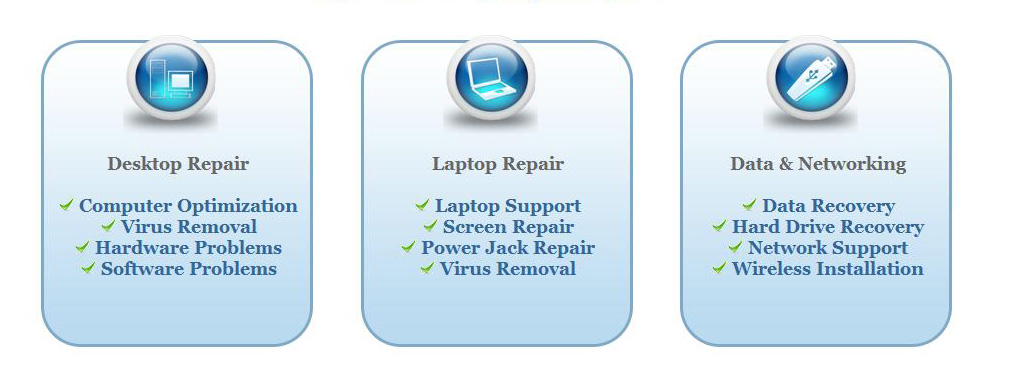
We offer onsite computer repair service in Los Angeles area 7 days a week, Call us anytime !!!!
Computer Repair Services Los Angeles: Los
Angeles Computer Repair Service -- Los Angeles
Laptop Repair service -- Los Angeles Computer
Virus Removal -- Laptop LCD Screen Replacement
Laptop Keyboard Replacement -- Los
Angeles Data Recovery--Los Angeles PC Complete
Tune Up -- Laptop DC IN Jack Repair
Most popular Articles : How to avoid Viruses -- What is Spyware ? -- How to properly uninstall a program in your computer ? -- Should I buy a laptop or desktop computer ?
How drivers work on my computer ? -- How to check my computer hard drive for errors -- Erase your hard drive before disposing your old computer
What is a computer's RAM ?-- How to change your screen resolution -- When Should I turn off my computer ? -- My Computer is not booting up. What can I do ?
How to burn a CD/DVD in WIN 7 ? -- Run vs Save when downloading a program -- How to delete history and temporary internet files -- Be very careful with email attachments
The Compucare Computer Repair Services Los Angeles - Resources
The Compucare support@thecompucare.com 323-309-2784 |
Computer repair Los Angeles, Computer repair service Los Angeles, Computer repair technician Los angeles, onsite computer repair Los angeles, computer repair services los angeles, Computer repair shop Los Angeles, PC Repair Los Angeles, Los Angeles Laptop Repair, Los Angeles Laptop Service, la computer repair, mobile computer repair, computer repairs los angeles, it support los angeles |
Computer repair Los Angeles, Computer repair service Los Angeles, Computer repair technician Los angeles, onsite computer repair Los angeles, computer repair services los angeles, Computer repair shop
Los Angeles, PC Repair Los Angeles, Los Angeles Laptop Repair, Los Angeles Laptop Service, la computer repair, mobile computer repair, computer repairs los angeles, it support los angeles
ZipCodes :90001,90002,90003,90004,90005,90006,90007,90008,90009,90010,90011,90012,90013,90014,90015,90016,90017,90018,90019,90020,90021,90022,90023,90024,90025,90026,90027,90028,90029,90030,90031,90032,90033,90034,90035,90036,90037,90038,90039,90040,
90041,90042,90043,90044,90045,90046,90047,90048,90049,90050,90051,90052,90053,90054,90055,90056,90057,90058,90059,90060,90071,90072,90073,90074,90075,90076,90077,90078,90079,90080,90081,90082,90083,90084,90086,90087,90088,90089,
90091,90093,90094,90095,90096,90099,90101,90103,90189,90230,91331,91335,90009,90009